




Gatekeeper mcp
Your contracts and vendors, inside the AI tool you already use.
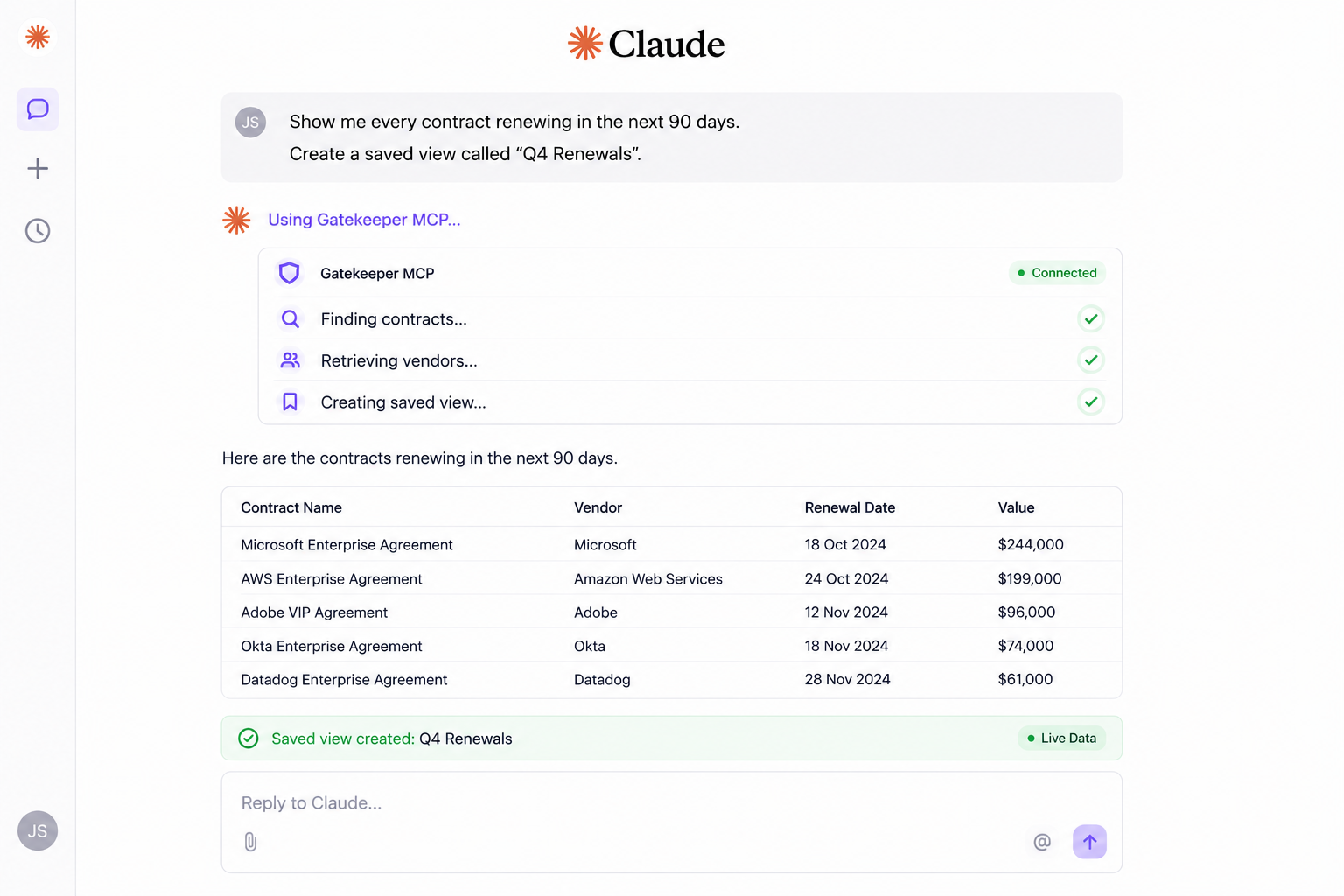
The Gatekeeper MCP connects your tenant to Claude, ChatGPT, Gemini and anything else that supports MCP. Ask a question, get an answer from live Gatekeeper data, without leaving the tool you are working in.
What it does
Read, create and update, without switching tools.
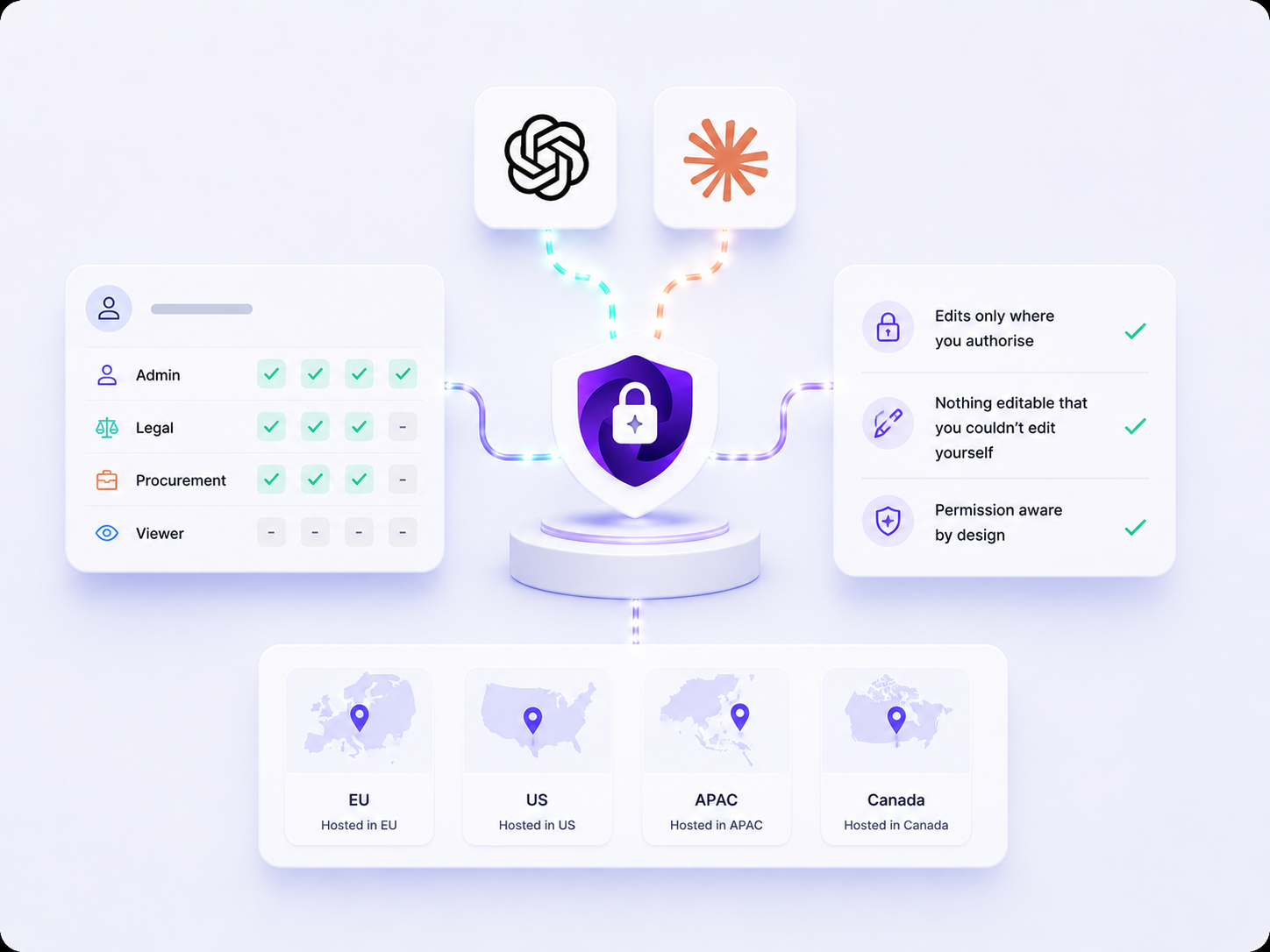
Access follows your Gatekeeper role, so the tools available to you are the ones you already have.
See your data
Contracts, vendors, workflows and workflow cards, categories, entities and teams, plus contract data summaries.
Raise requests and records
Create contracts, vendors and workflow card requests straight from the conversation you are already having.
Update in place
Amend contract and vendor records directly, within the permissions you already hold in Gatekeeper.
In practice
Three things teams reach for first.
The MCP is most useful in the moment you would otherwise stop work to go and look something up. These are the jobs it removes.
- Pull renewal dates and vendor details into a deck before a vendor review
- Build a contract report for the CFO from live data, not last month's export
- Find every contract with a missing end date, then save the view to return to
Intake
Requests can start in the conversation.
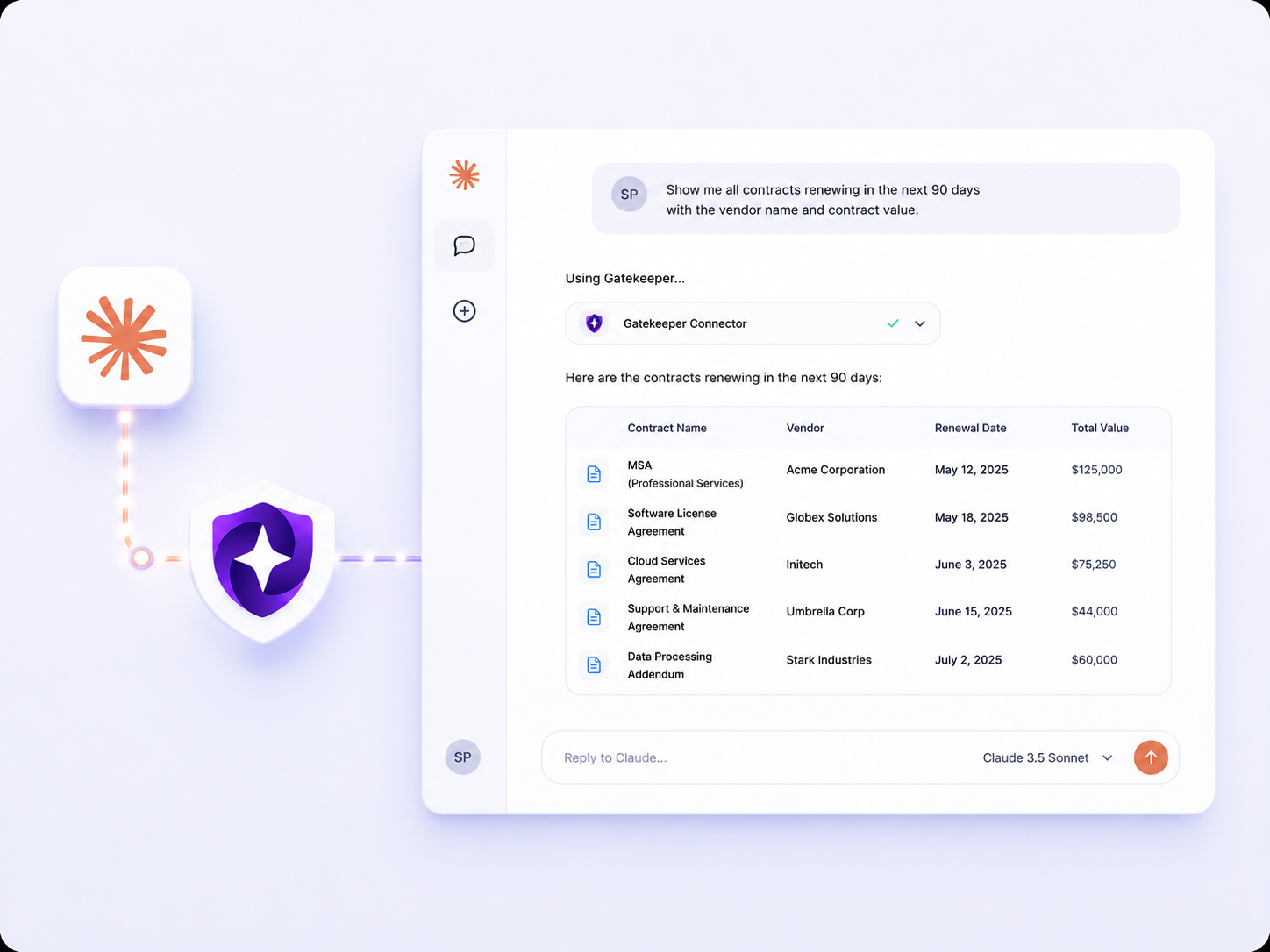
Not everyone who needs something from procurement spends their day in Gatekeeper. Someone can ask for a new tool, a new supplier or a renewal in Claude, and it raises the request as a workflow card rather than as an email somebody has to rekey.
- Raise a request for a new service or supplier without opening Gatekeeper
- The card lands in your existing workflow, so routing, approvals and policy still apply
- Nobody can raise anything their Gatekeeper permissions would not already allow
Access and control
It cannot see more than you can.
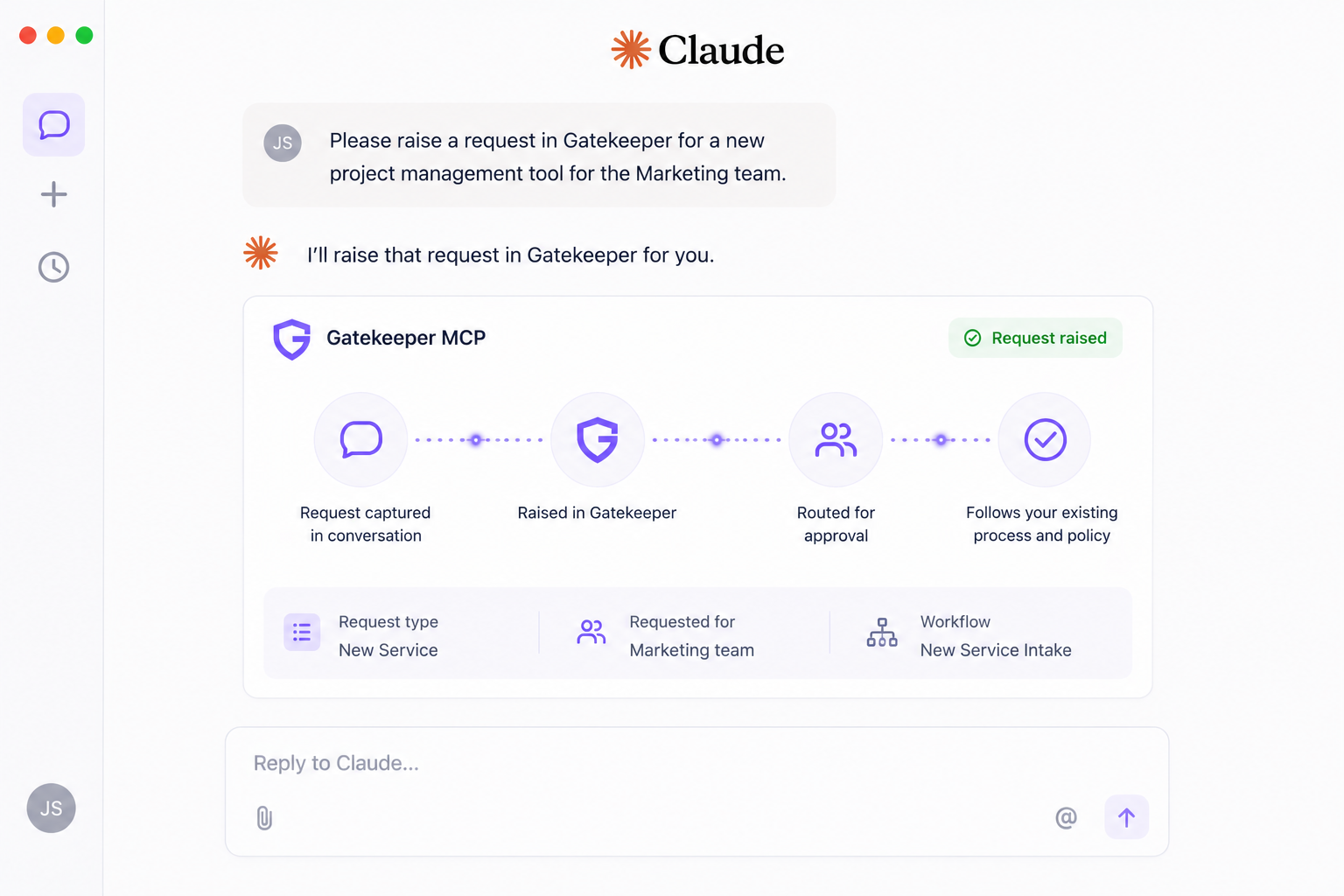
Access is governed by your existing Gatekeeper role and permissions. Connecting an AI tool does not widen anyone's access, and it does not move your data somewhere new.
- Edits are only possible where you authorise the update tools explicitly
- Nothing is editable that you could not already edit yourself
- Regional endpoints for the EU, US, APAC and Canada, matching where your tenant is hosted
Works with
Any application that speaks MCP.
Claude
Step by step setup for Team and Enterprise, where an owner adds it once, and for Pro and Max, where each user connects themselves.
ChatGPT and Gemini
The same connection and the same permissions model. Follow the connector instructions in your chosen application.
Your own tooling
Any client with MCP server support can connect using the URL for your region.
FAQs
MCP key questions.
Does this let AI tools edit our contract and vendor data?
Only where you have authorised the update tools for that application, and only where you already have permission to edit the field yourself. Changes are always limited to your own role and permissions, and to what you have explicitly allowed the AI to do.
Is the MCP available on our plan?
The Gatekeeper MCP is available on selected plans. Your Account Director can confirm whether it is included in yours.
Which URL do we connect to?
It mirrors your Gatekeeper login URL with /mcp added to the end, so eu, us, apac or ca depending on the region your tenant is hosted in.
Our connection is not returning any data. What is wrong?
This is usually a plan restriction rather than a connection fault. On plans without the MCP, every tool call that reads or writes Gatekeeper data is blocked. Speak to your Account Director to confirm.
Find out whether the MCP is on your plan.
Your Account Director can confirm availability and walk your team through the setup.